


Bank however works for you.
In person, at a drive-up, on your phone, or by text — we've made it easy to bank with us no matter how you prefer to do it.
Mobile Banking App
Download our app and manage your accounts from anywhere. Deposit checks with your phone camera, pay bills, transfer funds, check balances, and set up alerts. Available for iPhone and Android. Learn More


Drive-Ups with Extended Hours
Our drive-ups are open before and after the lobby — so you can bank on your schedule, not ours. Make deposits, withdrawals, transfers, and loan payments without leaving your car.
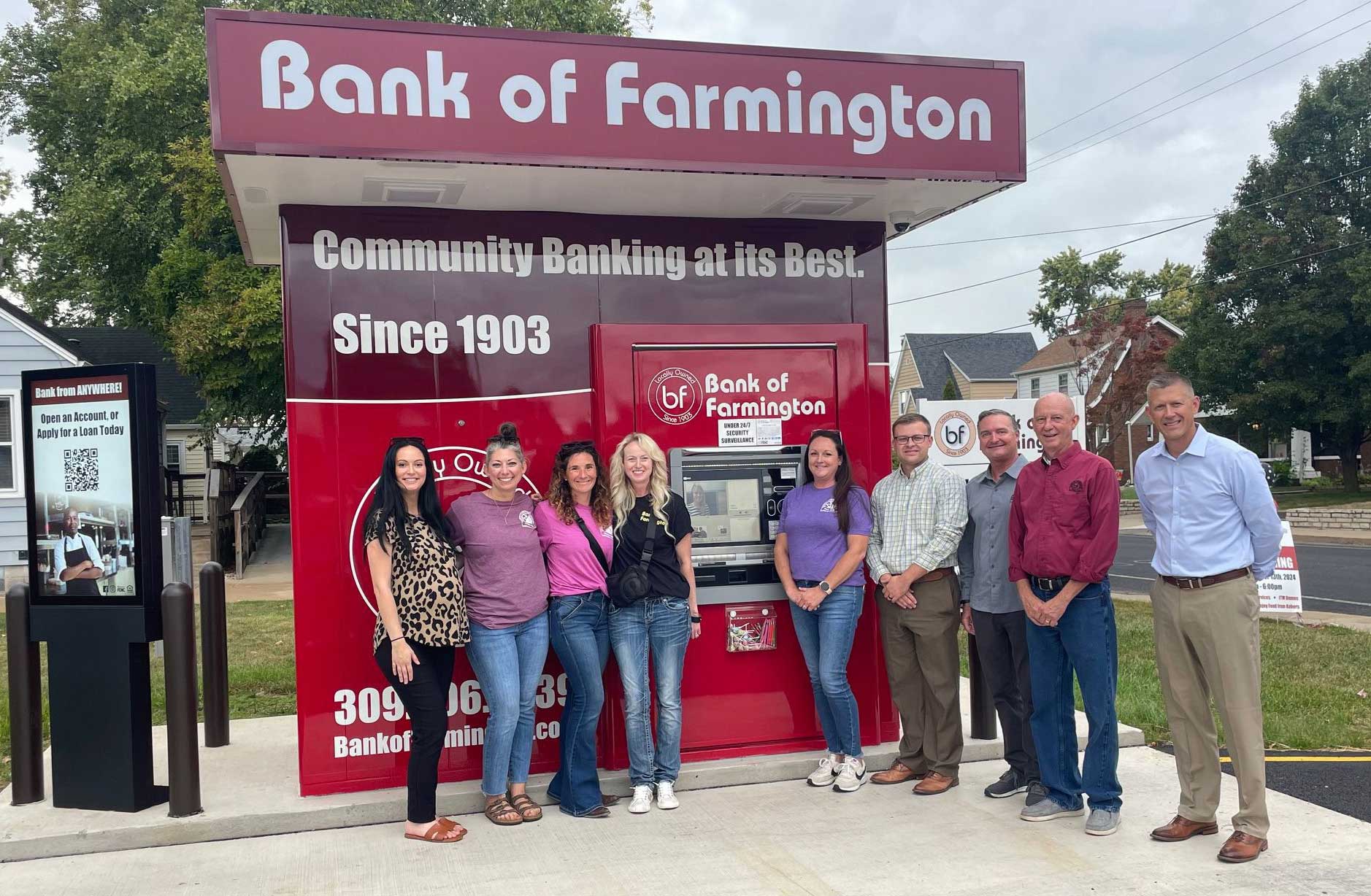
Several of our drive-up locations feature Interactive Teller Machines (ITMs). An ITM looks like an ATM, but does a lot more — touch the screen and you're connected to a live banker by video who can help you with just about anything, even outside regular business hours.
It's like having a branch open 24/7. ATM’s are 24/7, but not drive-up - you can only connect to a live banker from 8am-5pm (M-F) and 8am-Noon (Saturday)
FAQs
How do I set up mobile banking?
Download the Bank of Farmington mobile app from the App Store or Google Play. Log in with your online banking credentials. If you don't have online banking set up yet, call us or stop by any branch and we'll get you started.
What can I do at a Bank of Farmington drive-up?
Our drive-ups offer extended hours beyond the lobby and let you make deposits, withdrawals, transfers, and loan payments from your car. At locations with an ITM (Interactive Teller Machine), you can also connect to a live banker by video — so you can get personal help even when the branch lobby is closed.
*Note: it’s not actually 24/7 for the ITM - you can only connect to a live banker from 8am-6pm (M-F) and 8am-1pm (Saturday)
Can I deposit checks from my phone?
Yes. Open the mobile banking app, select "Deposit," take a photo of the front and back of your check, and submit. Funds are typically available within one business day.
Is online banking secure?
Yes. We use multi-factor authentication, encryption, and continuous monitoring to protect your accounts. You can also use Card Control in the mobile app to turn your debit card on or off anytime.